Jason O'Grady - Writing Portfolio
Jason O'Grady is a Senior Technical Writer with 15+ years of experience creating user-focused documentation for enterprise SaaS products. For more than a decade at Google, he's collaborated with Product Management, Engineering, and Design teams to deliver high-quality documentation across Ads, Security, and Payments—bringing clarity, systems thinking, and developer-centric approaches to complex technical products.
Jason has deep expertise in modern documentation tools and workflows, including XML, DITA, DocBook, and GitHub-based documentation systems. He specializes in building scalable content models, modernizing documentation pipelines, and managing multiple concurrent documentation projects—all with a focus on customer success and measurable business impact.
Featured project
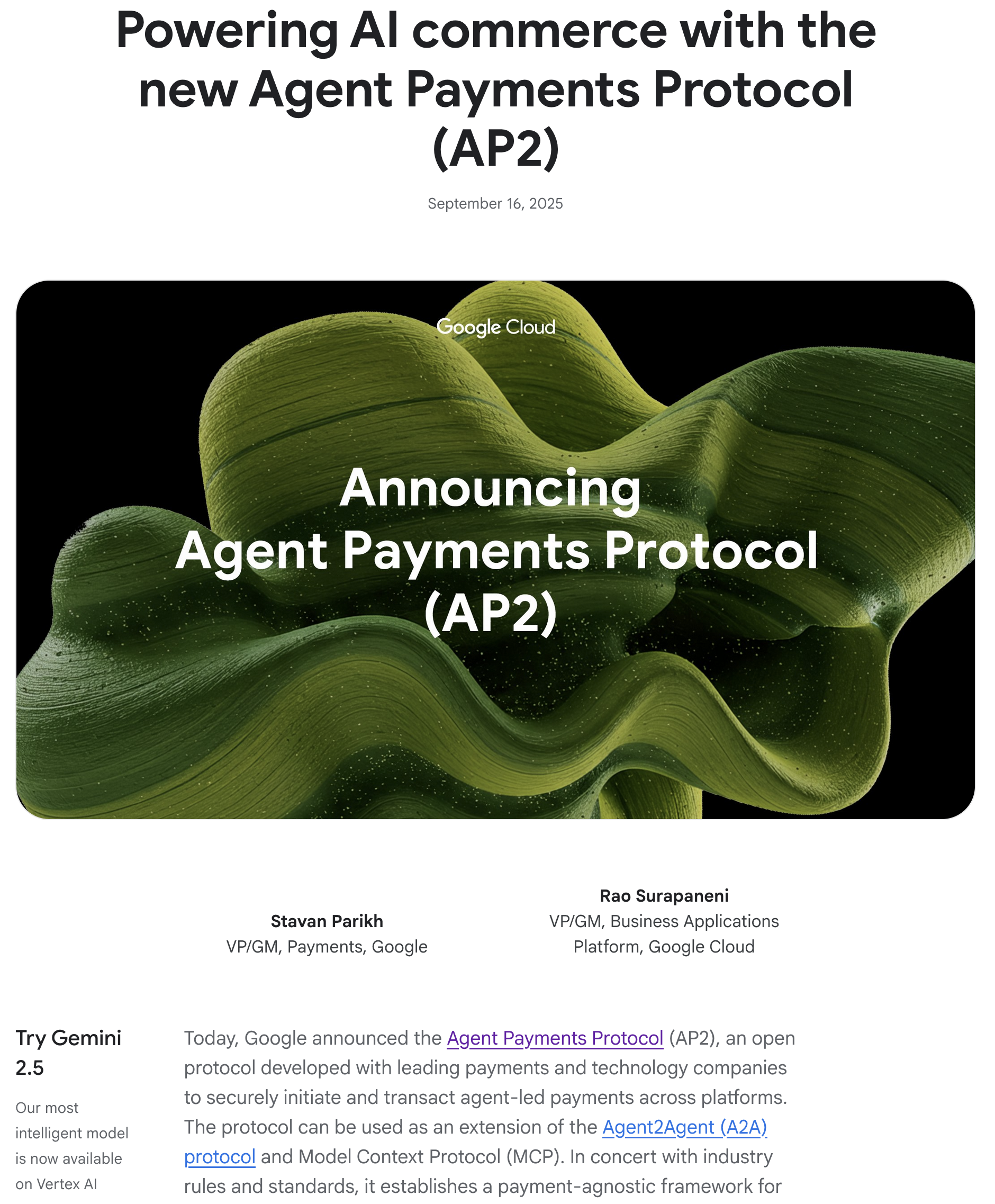
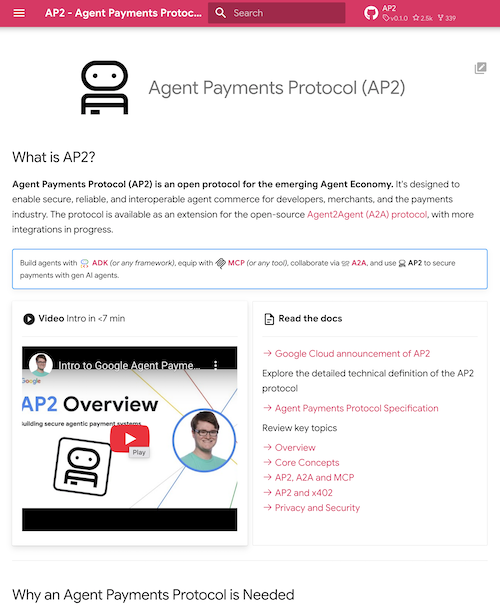
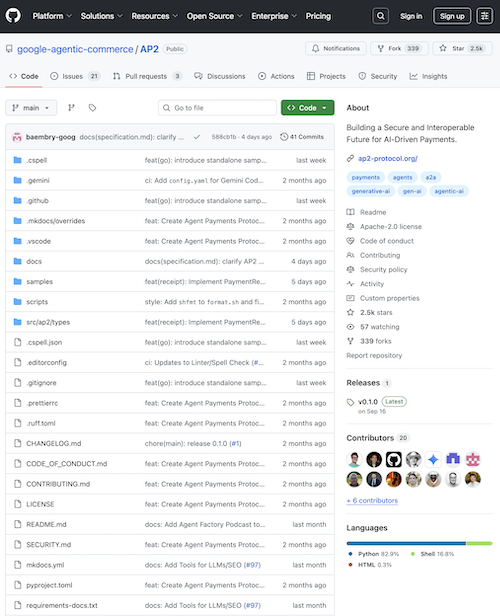
I wrote the Google Cloud blog post, website, and Github repository for the Agent Payments Protocol (AP2), published on September 16, 2025.
My books








User guides
- Google Merchant API Documentation - API reference for managing merchant data and product listings
- Google Pay and Wallet API Documentation - Integration guide for Google Pay and Wallet services
Developer documentation
- Google Analytics Developer Guide (Cookie Usage) - Cookie implementation in Google Analytics
- Google Optimize Developer Site - Developer resources for Google Optimize integration
- Google Optimize Developer Guide (Experiments) - Implementing A/B tests and experiments
- Google Optimize Dev Guide: AMP Experiments - Running experiments on Accelerated Mobile Pages
- Google Optimize Dev Guide: Antiflicker - Preventing page flicker during experiments
- Merchant API Reference (REST) - REST API reference for Google Merchant Center
- Content API for Shopping: Get Started - Quick start for Content API integration
- Content API for Shopping: Making Requests - API request formatting and authentication
- Content API for Shopping: Batch Requests - Batch API operations guide
- Merchant Support Documentation - Support resources for merchant center integration
Help center articles
- Google Analytics Help Center - Support documentation for Google Analytics
- Google Ads Help: U.S. State Privacy Laws Compliance - GDPR and CCPA compliance guide
- Google Opinion Rewards Help Center - Support resources for Google Opinion Rewards
- Google Optimize Help Center - Support documentation for Google Optimize
- Google Optimize: Visual Editor Diagnostics - Troubleshooting the visual editor
- Google Optimize: Using the Visual Editor - Visual experiment editor guide
- Google Optimize: How the Runtime Works - Optimize runtime execution explained
- Google Optimize: Bayesian Inference - Statistical methodology in experiment analysis
- Google Optimize: Reports Explained - Understanding experiment reports and metrics
- Tax Help: Tax Residency Information - Non-US withholding and reporting requirements
- Tax Help: Tax Residency Certificates - Tax Residency Certificate requirements
- Google Surveys Help: Policies - Policy guidelines for surveys
- Google Surveys Help: Survey Lifecycle FAQ - Survey operations FAQs
- Google Surveys Help: Targeting Options - Audience targeting capabilities
- Google Surveys Help: Methodology - Survey methodology and sampling
- Google Surveys Help: Weighting - Statistical weighting in survey results
- Google Surveys Help: Surveys 360 Features - Advanced Surveys 360 features
- Google Surveys Help: Target Remarketing Lists - Targeting remarketing audiences
Installation guides
- Enterprise Security Suite Installation - On-premise and hybrid cloud deployment procedures
- Database Migration Toolkit Setup - Migrating legacy databases to cloud infrastructure
- API Gateway Installation Manual - Deploying and configuring API management layers
- Monitoring Agent Deployment Guide - Distributed monitoring across multi-cloud environments
- Data Warehouse Setup Guide - Enterprise data warehousing installation and configuration
System configuration guides
- Network Security Configuration - Configuring firewalls, VPNs, and network segmentation
- Load Balancer Configuration Manual - Distributing traffic across global infrastructure
- Backup & Recovery Configuration - Automated backups and disaster recovery setup
- Performance Tuning Guide - Optimizing system performance and resource utilization
- Multi-Region Deployment Config - Deploying applications across multiple geographic regions
Release notes
- Google Cloud Security Bulletins - Security vulnerabilities and patches for Google Cloud products
- Optimize Help Center Announcements - Product updates and feature launches for Google Optimize
Quick reference guides
- CLI Command Reference - Essential command-line operations and syntax
- API Endpoint Quick Reference - REST API endpoints, parameters, and response codes
- Keyboard Shortcuts Cheat Sheet - Productivity shortcuts for power users
- Error Code Reference - Common error messages and troubleshooting steps
- Configuration Parameters Reference - Configuration options and recommended values
Quick startup guides
- 5-Minute Cloud Setup - Deploy your first application in the cloud
- Developer Onboarding Guide - Quick start for new developers joining the platform
- First API Call Tutorial - Making your first authenticated API request
- Container Quick Start - Rapid deployment for containerized applications
- Data Pipeline Quick Setup - Building your first data processing pipeline
Style guides
- API Documentation Style Guide - Standards for clear API documentation
- Technical Writing Standards - Guidelines for tone, voice, and formatting
- Code Documentation Guide - Best practices for comments, docstrings, and examples
- UI Copy Style Manual - Writing user-facing text in applications
- Terminology & Glossary Standards - Standardized terminology and usage guidelines
Video tutorials
- Working with Google Optimize Video Playlist - Complete video series on A/B testing
- Create a New Experiment in Optimize - Setting up your first A/B test
- Create a Redirect Test in Optimize - Testing different page URLs
- Create a Multivariate Test (MVT) in Optimize - Testing multiple variables simultaneously
- Create a Personalization in Optimize - Delivering targeted content to audiences
- Create a Multi-Page Experience in Optimize - Building multi-page experiments
- Analyze Optimize Reports - Understanding experiment results and significance
Blog posts
- Four Privacy Settings You Should Enable in iOS 7 Immediately - ZDNet article on mobile privacy best practices